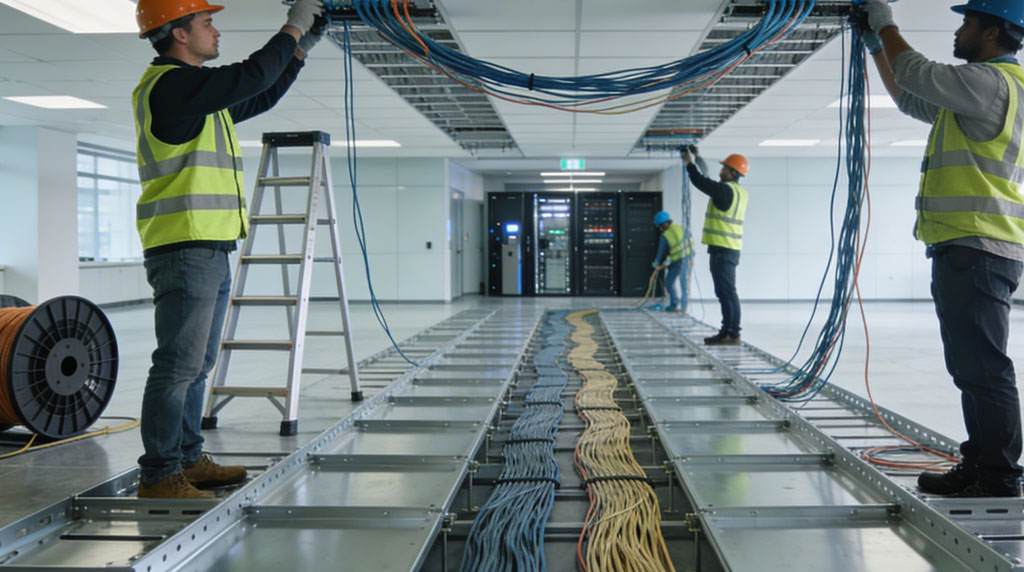
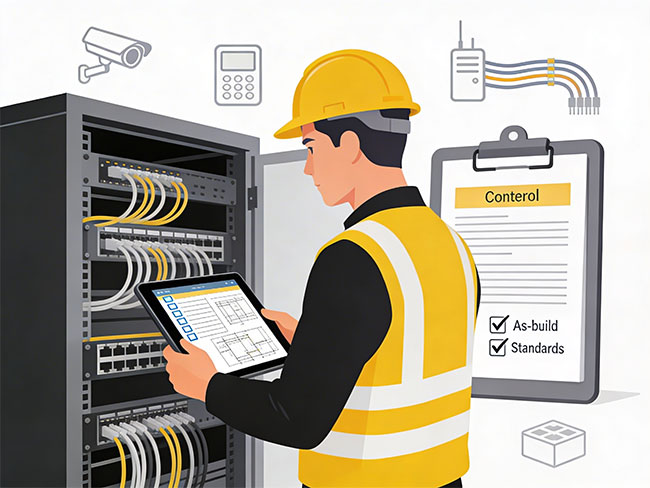
Commercial CCTV installation at the cabling level covers three interconnected systems: the camera pathways that carry video and power to each mounting location, the backhaul infrastructure that connects all cameras to the recording equipment, and the NVR or DVR room buildout where all that infrastructure terminates.
Modern IP-based CCTV cameras connect via Cat6 or Cat6A Ethernet — the same cable carries both the video signal and PoE power from the switch to the camera. That means CCTV cabling shares pathways, IDF room space and project coordination requirements with network cabling and access control cabling. Planning all three systems under a single scope prevents pathway conflicts, reduces ceiling disruption and creates a more organized finished environment.
Before a single cable is pulled, coverage zone planning matters. Camera mounting positions that look correct on a floor plan often create blind spots in practice — especially in warehouses with racking obstructions, retail spaces with display fixtures, and lobby environments where sight lines change with furniture. Coordinating camera placement with security integrators before installation begins prevents the rework of moving drops after the project closes.